
# Select existing service principal
TIP
In this path we assume you are familiar with the creation and management of Service Principals. You'll need your App Registration's Object ID and a valid secret to continue.
- If you already have an existing service principal that you want to use you can search it in your AD by selecting the option "Select Existing" and clicking "Make selection".
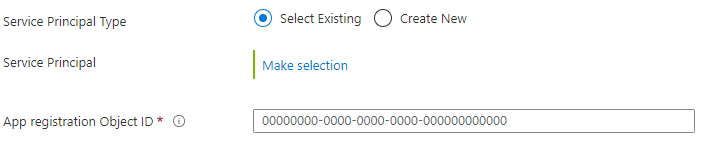
You can now search your Service Principal. They will be shown with their associated Application ID below the name. If you know the Application ID you can paste that inside the search field and your principal will show up.
Pick your service principal from the list and hit the "Select"-button at the bottom.
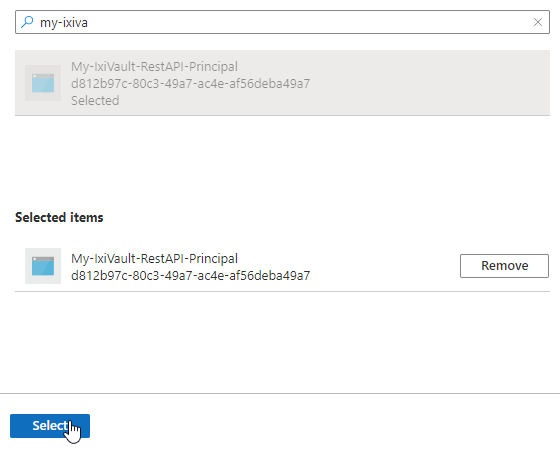
- Repeat this process for the remaining principals.